Back to Help Center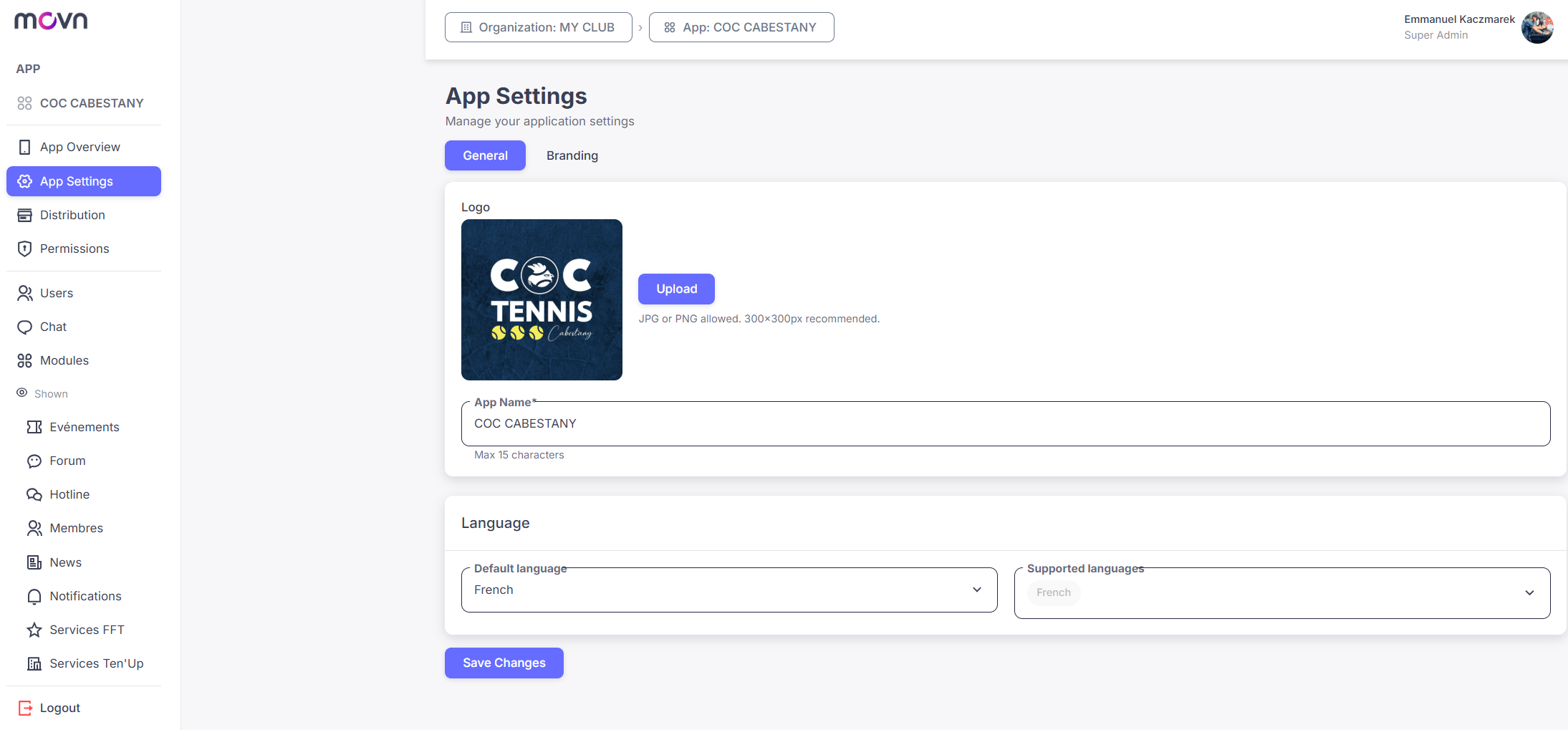
App Builder Creators2 - APP CONFIGURATION
2.1. Settings
This is where you define your app's basic information and visual identity.
Select App Settings in the left-hand menu.
General Settings
- Update your app's name and logo.
- Set a default language, used when a user's device language isn't supported.
- Choose which languages your app supports (English, Spanish, French).
- Click Save Changes.
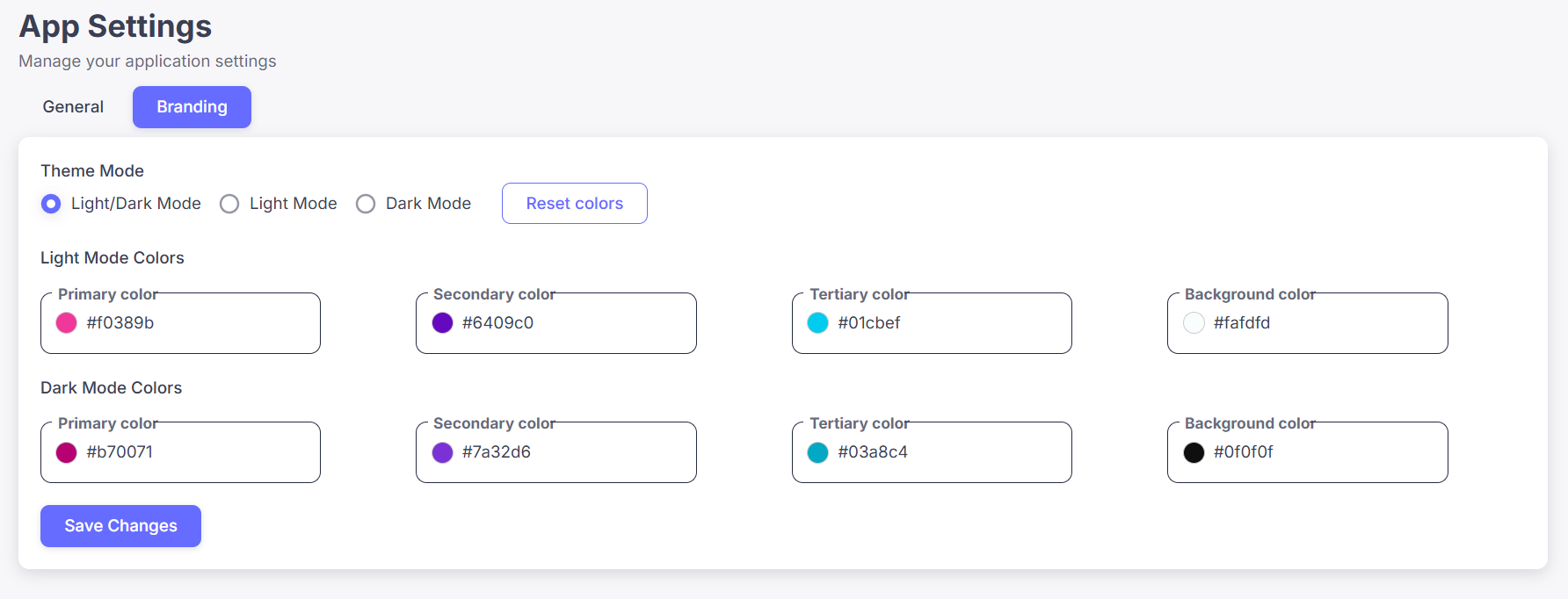
Branding Settings
Customize how your app looks in both light and dark mode:
- Theme mode: force Light Mode, force Dark Mode, or follow the user's device setting.
- Set your light mode and dark mode color schemes to match your branding.
⚠️ Tip: Choose colors that provide strong contrast to ensure good readability in both light and dark modes.