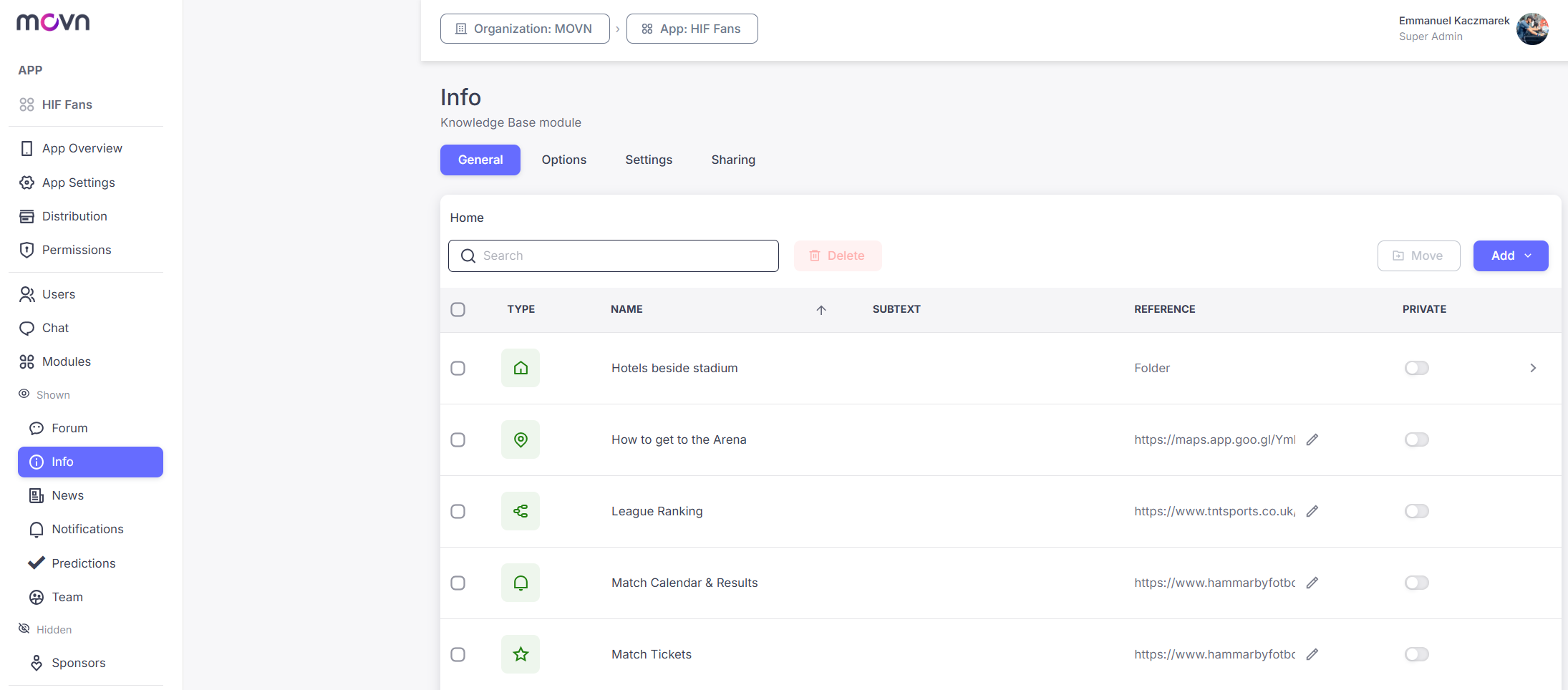
Knowledge Base is a content engine for consolidating documents, resources, tools, and structured information into one mobile-friendly place. Content is organized around Smart Buttons, each with a customizable title and subtitle, that can do one of four things: link out to an external platform or tool, open a formatted page written directly in the app (Enriched Text), let players download a file, or open a Folder that groups related content hierarchically.
Clubs typically use it one of three ways: as an Operational Hub for policies and protocols, a Digital Connector linking out to community platforms, or a Learning & Training Center structuring educational content through folders and lesson pages.
Setup
The Knowledge Base module has four tabs:
- General: build your Smart Buttons here. Each one is a Text (formatted content, with images and emojis), File (a downloadable item), Link (an external resource), or Folder (an organizational container that can nest multiple levels).
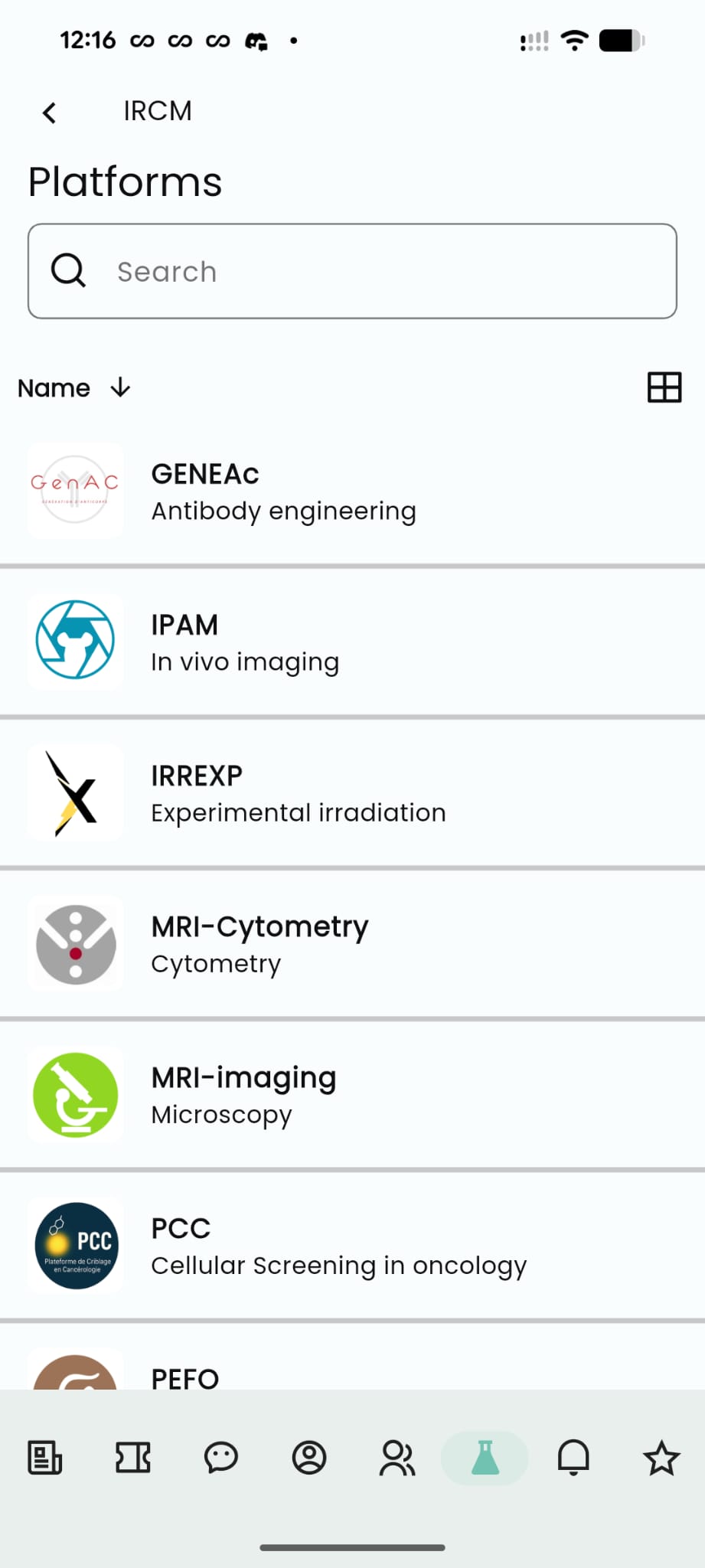
- Options: choose how content displays, List view, Grid view, or Both (letting players switch between the two).
- Settings: choose a navigation icon and set the module's name, then save changes.
- Sharing: share your module link/QR
Start with folders before adding nested content, and think of it like a mobile menu since most players access it from their phone: keep the top level simple, with categories like "Documentation," "Tools," "Training," and "Resources."
⚠ Tip: The Knowledge Base works best as the central access point to everything your community needs, information, documents, tools, and learning resources, so members don't have to navigate multiple platforms.