Access it via Users in the left-hand menu.
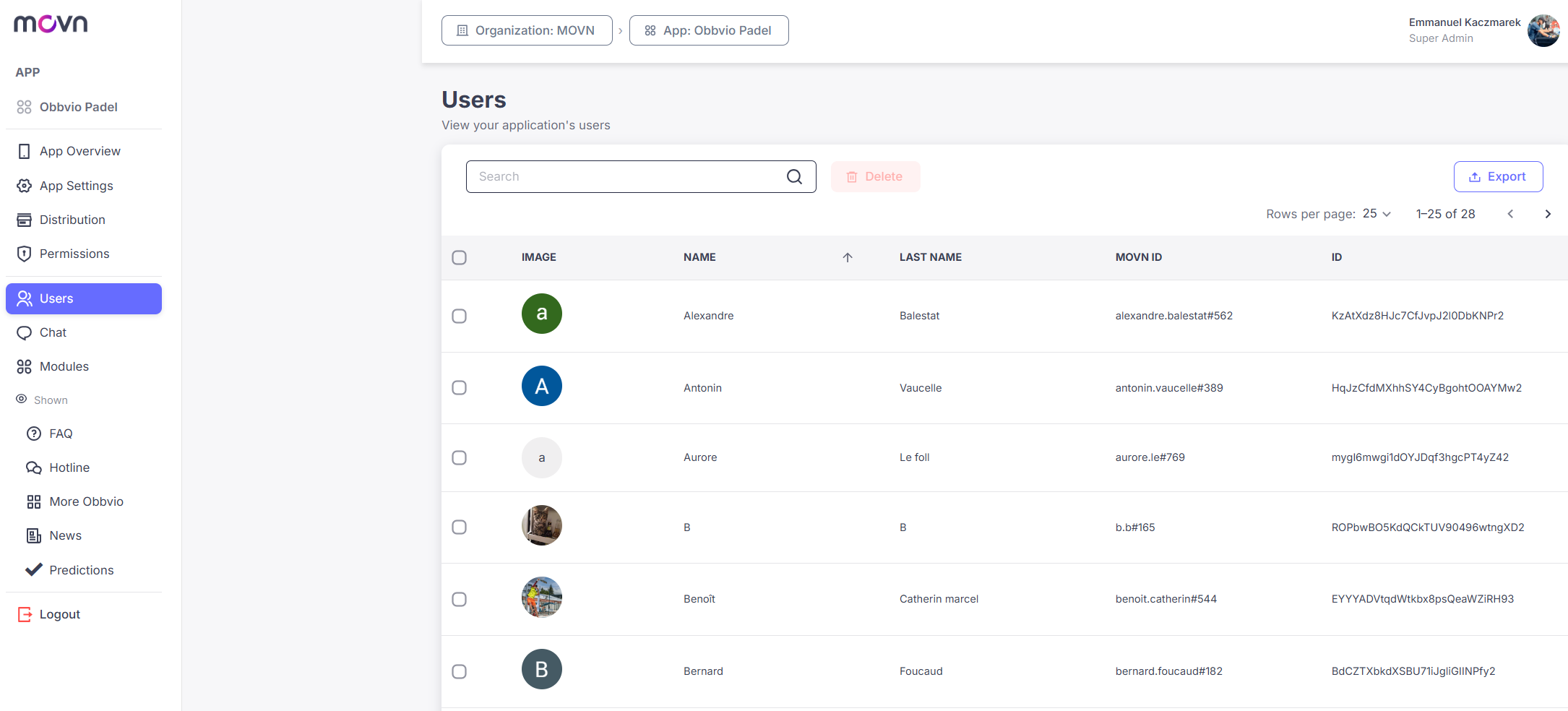
View the User List
The list shows each user's profile image, first name, last name, their Movn ID (their unique public identifier in the Movn ecosystem), and their internal ID (used internally by the platform). Use the search bar to find a specific user quickly.
Delete a User
- Step 1: Select the user by checking the box next to their name.
- Step 2: Click Delete.
- Step 3: Confirm the deletion.
Warning: Removing a user permanently revokes their access to the app.
Export the User List
- Step 1: Click Export in the top-right corner.
- Step 2: Download the file.
Useful for record-keeping and internal management.