Listings connect your community to the partners, coaches, venues, and resources that matter to them. For a club, this might be partner shops, physios, or affiliated clubs; for an event, sponsors or official partners. Where People is built for member-to-member networking, Listings showcases organizations, venues, and services.
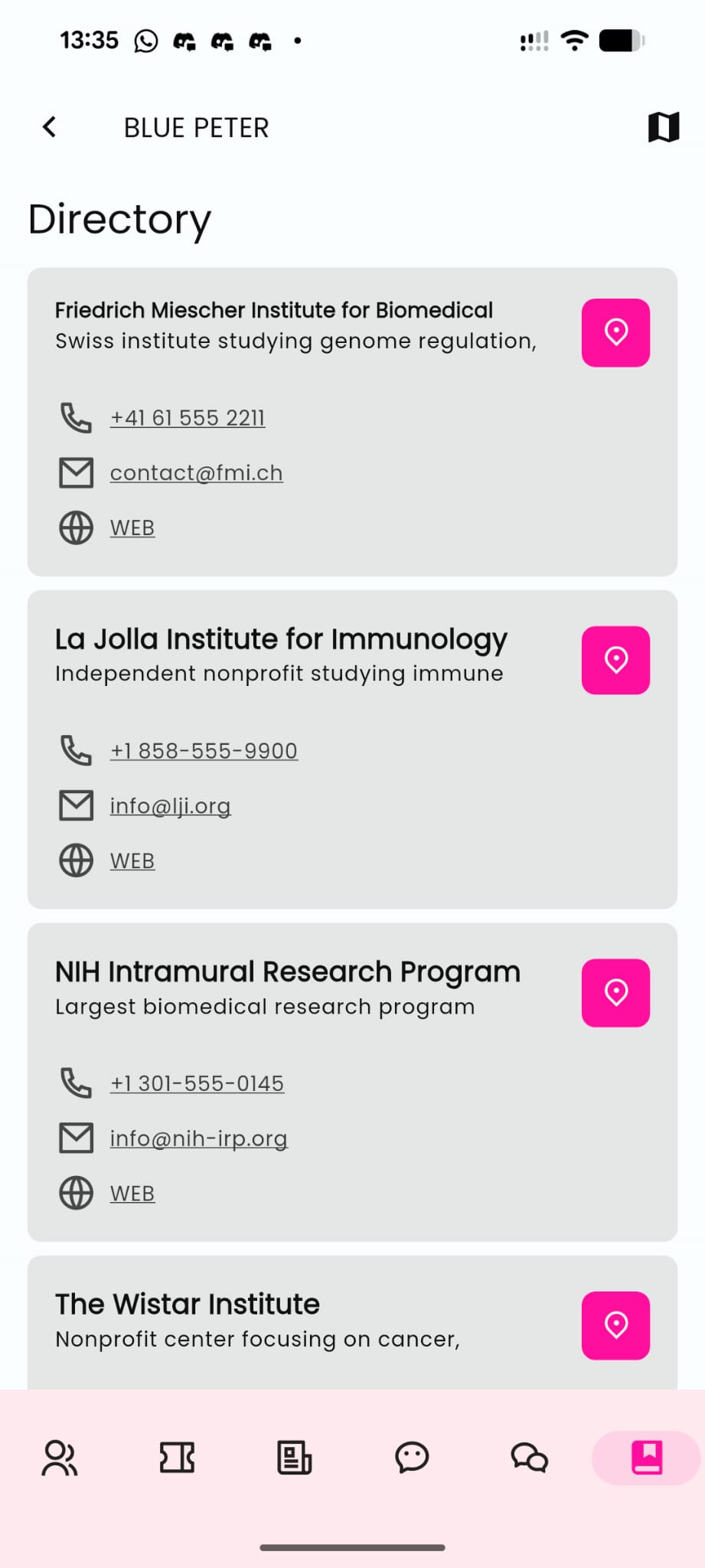
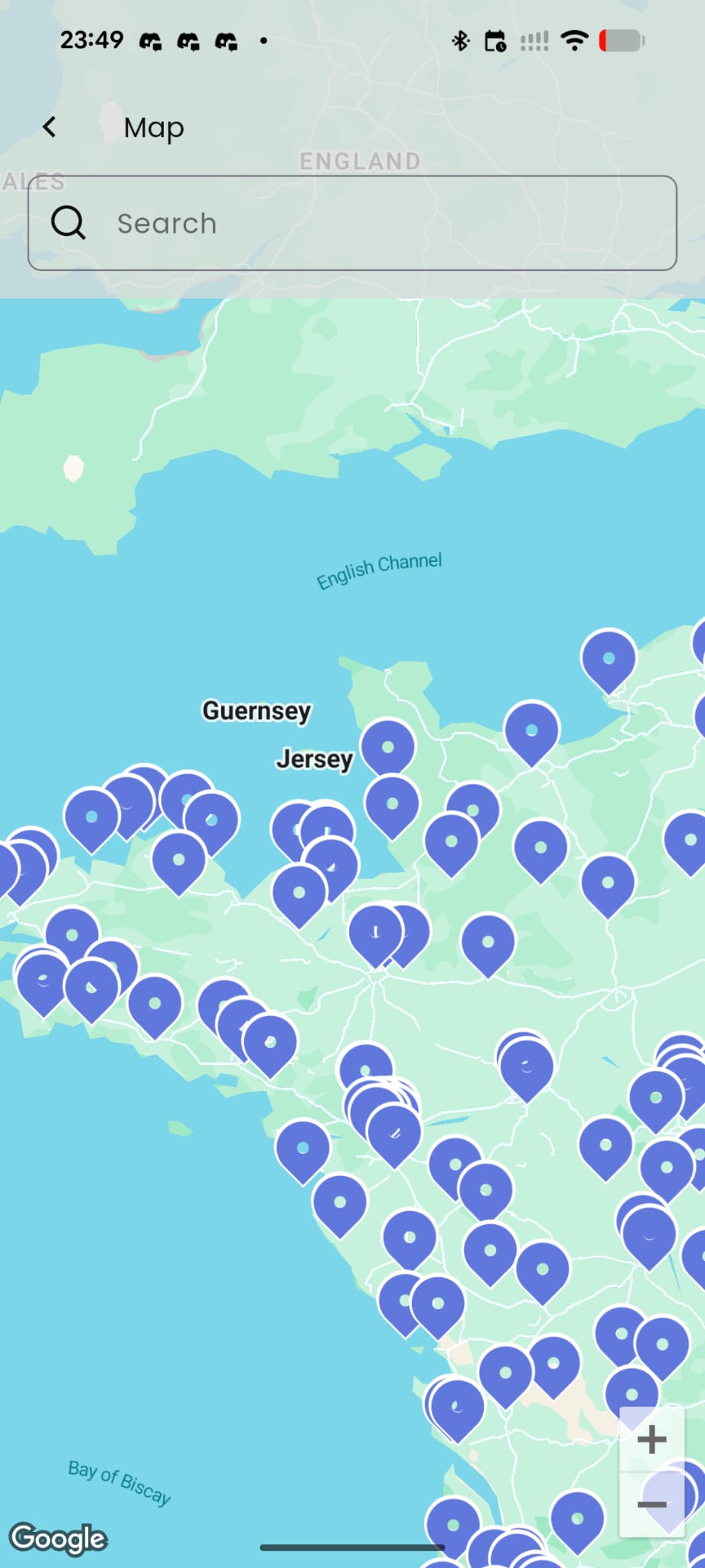
Members can browse two ways: a searchable List View, or a Map View that plots every entry's location so people can find the closest one and get directions with a single tap. Each listing is a full card: a custom title and subtitle, one-tap contact by email or phone, a primary link (a website, a booking page, a resource), and Sub-Sections for layered info like opening hours, equipment, or house rules.
Common uses: showcasing partners and sponsors so members can reach them directly, a facility guide with map navigation (handy for players finding partner courts or venues near a tournament), or centralizing service providers like coaches, physios, or equipment shops.
Setup
- Listings: add an entry manually, or import a batch via CSV (download the template, fill it in, upload it). A search bar appears automatically once you have 10 or more entries; you can export your data, control display order, and act on multiple entries at once with bulk actions. Map view turns on automatically as soon as an entry has a location.
- Settings: rename the module from the default "Listings" and choose its icon.
- Sharing: generate a direct link or QR code that opens the app straight into the Listings module.
⚠ Tip: Keep listings curated and current, a stale one (closed partners, dead links) undermines trust faster than having no listings page at all.