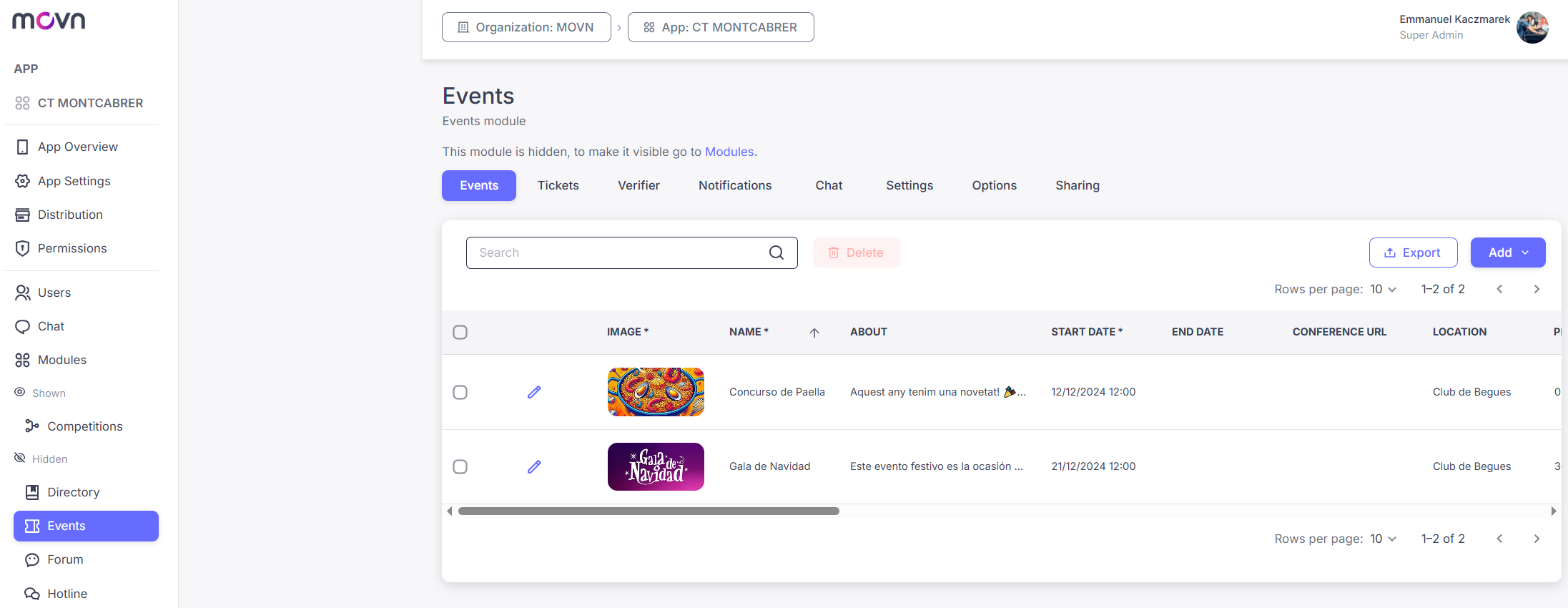
The Events module covers your general calendar, club socials, coaching clinics, open days, as distinct from Competitions (matches/tournaments, covered separately). It manages the full event lifecycle: listing events, handling registrations, and controlling access with check-in.
Setup
The Events module has four tabs:
- Events: add an event manually (Add > Add Manually) or import a batch via CSV. Required fields are an image, name, start date, and currency; optional fields include end date, location (via Google Maps), pricing, ticket limits, and a registration window. The description field supports Markdown formatting.
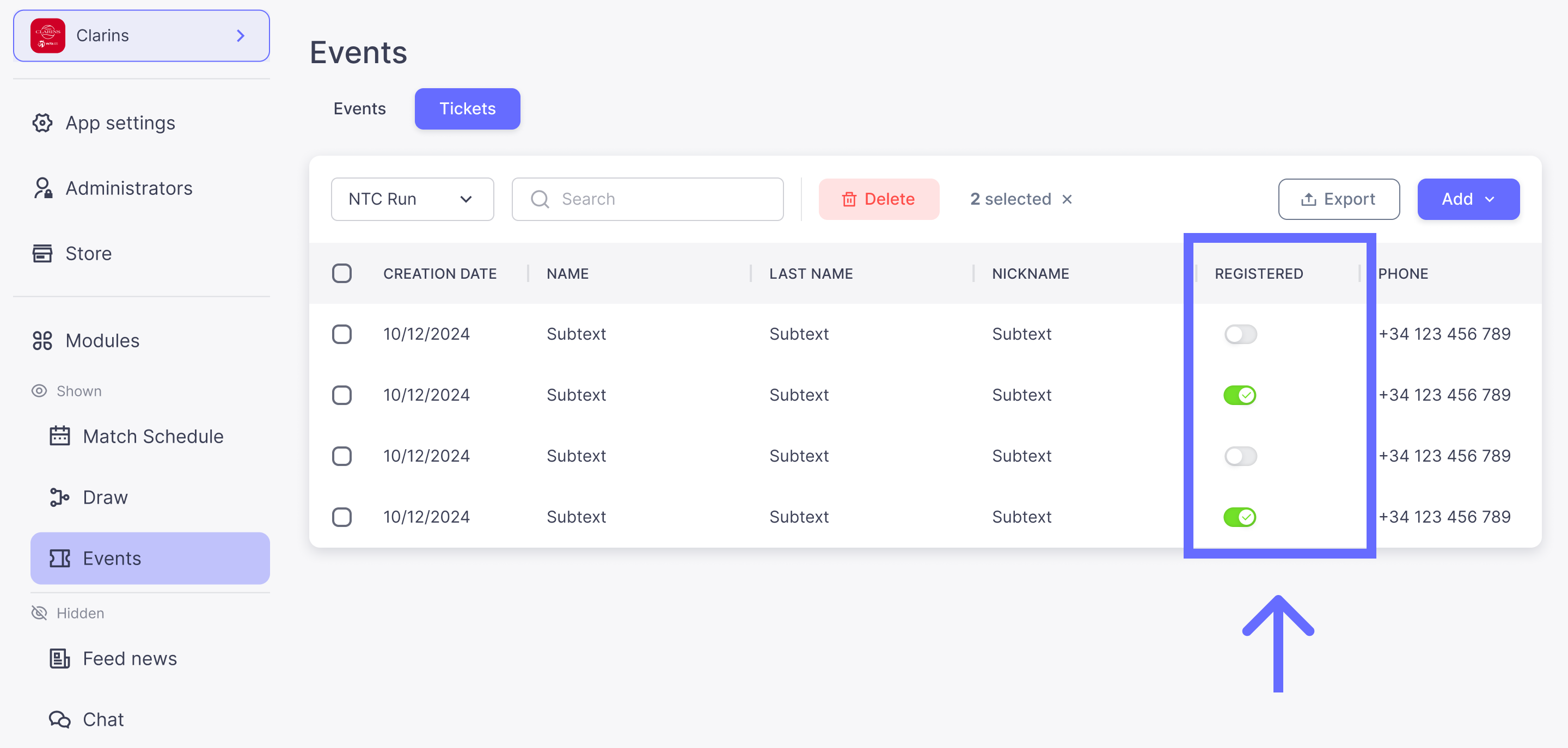
- Tickets: view attendees registered in-app. Registrations collected elsewhere (for example, Google Forms) can be imported via CSV.
- Verifier: grant check-in rights to specific team members without giving them full App Manager access.
- Step 1: Go to the Verifier tab.
- Step 2: Click Add.
- Step 3: Enter the name or Movn ID of the person you want to grant Verifier rights to.
- Notifications: send push notifications to event attendees
- Chat: Automatically create a group chat with event attendees
- Settings: edit tab's name and icon
- Options: toggle "notify users when tickets are imported" (send a confirmation email to imported attendees)
- Sharing: generate a direct link or QR code that takes players straight to the Events module.
⚠ Important: When you add an event, deactivate the Private toggle, otherwise it won't be visible to players. If you import events via CSV, note that event images can't be imported that way, add them manually afterward.
Access Control & Check-In
For events with limited capacity or paid entry, App Managers and Verifiers can check attendees in two ways.
From the app (recommended):
- Step 1: Open the Events tab in the Movn app.
- Step 2: Activate Admin Mode.
- Step 3: Search for the attendee by name, or scan the QR code from their ticket.
- Step 4: Mark them as Registered to grant access.
From the builder: open the event's Tickets tab and toggle Registered next to the attendee's name.