Select Distribution in the left-hand menu.
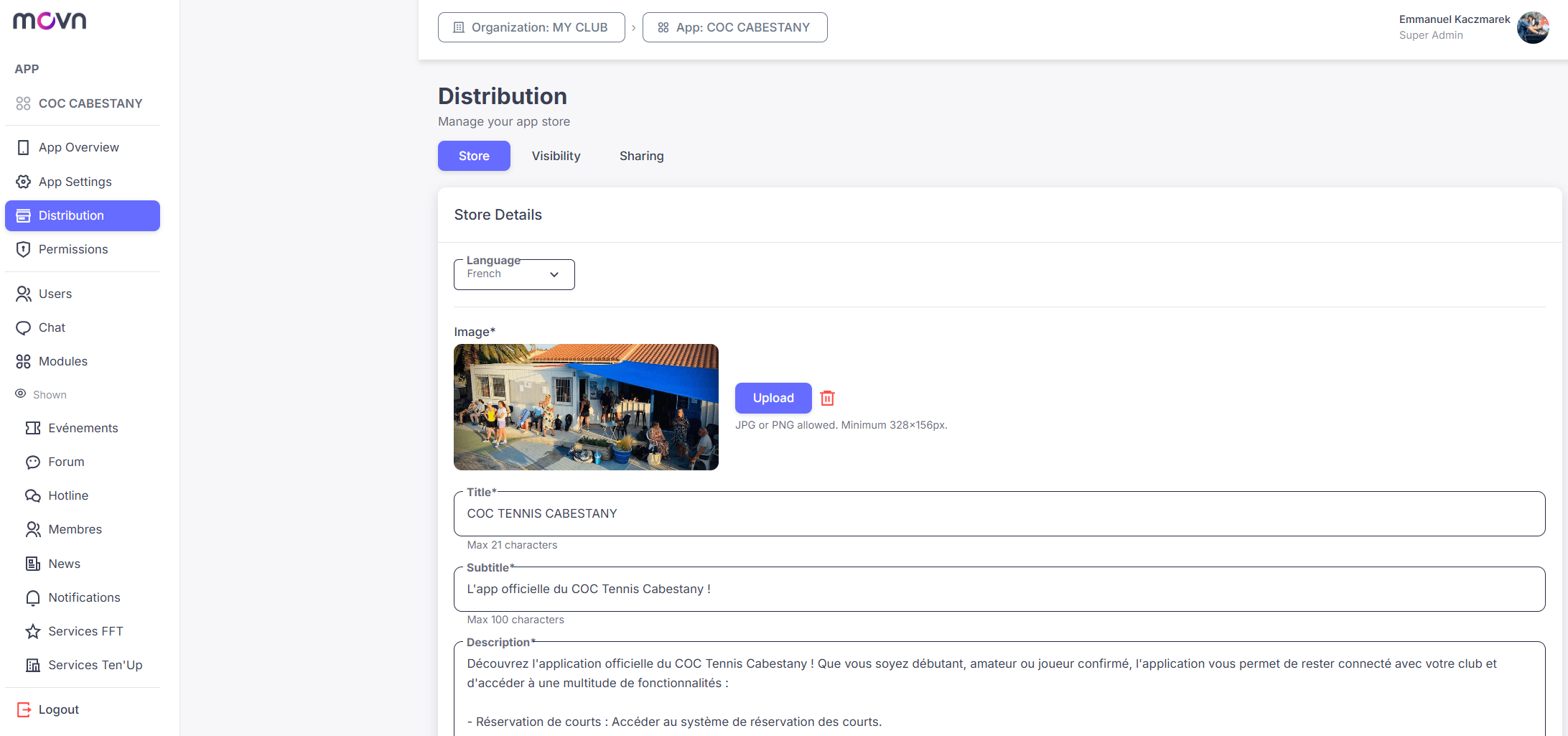
Store Management
- Step 1: For each supported language, update your app's cover image (JPG or PNG, minimum 328 × 156 px), Title (max 21 characters), Subtitle (max 100 characters), and Description (max 1200 characters).
- Step 2: Click Save Changes.
Important: You must enter this information for every supported language, otherwise the Save Changes button stays inactive.
Visibility Control
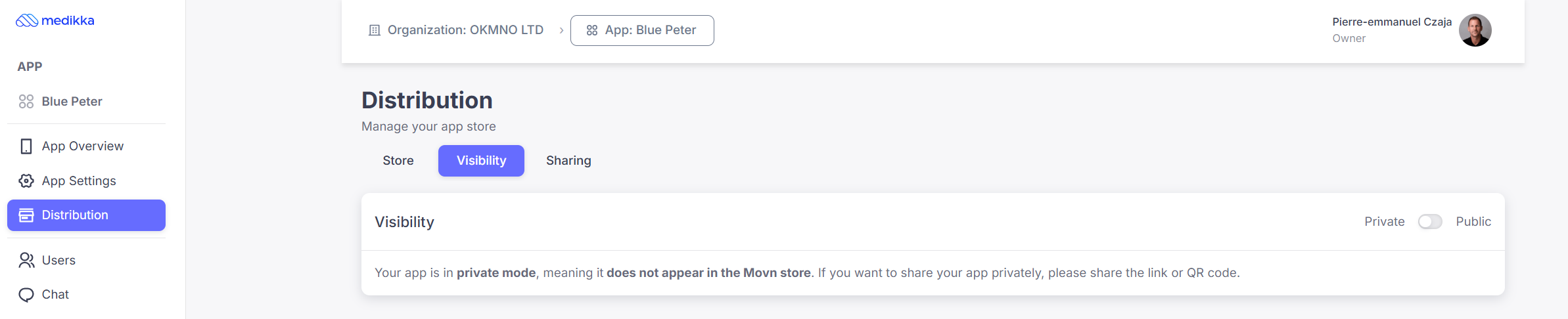
Toggle your app between Public and Private:
- Public: your app appears in the Movn app store.
- Private: your app doesn't appear in the store.
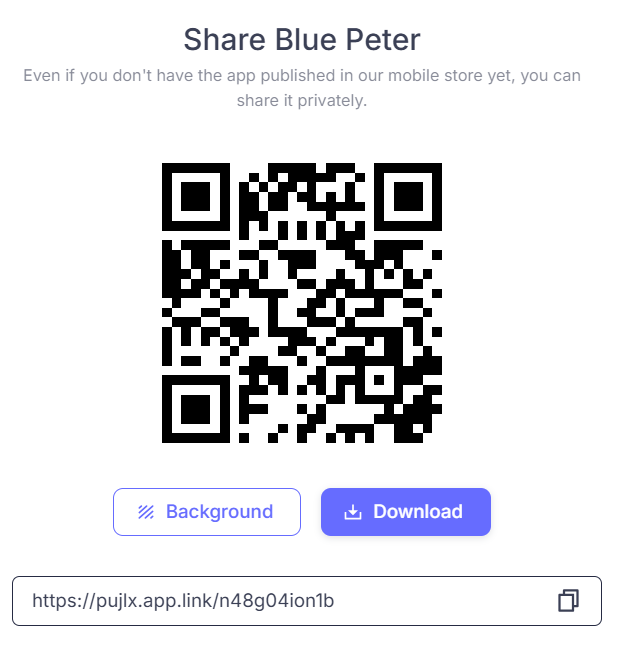
Even if your app is private, you can still invite users using the sharing link or QR code.
Sharing Features
- Step 1: Click the Sharing tab at the top.
- Step 2: Click Share Your App.
This generates a shareable deep link and QR code. The link adapts to whoever opens it: installing Movn for new users, activating your app for existing Movn users, or opening it directly for people who already have it.